Weekly Devlog 5: Tile Rotation and Size
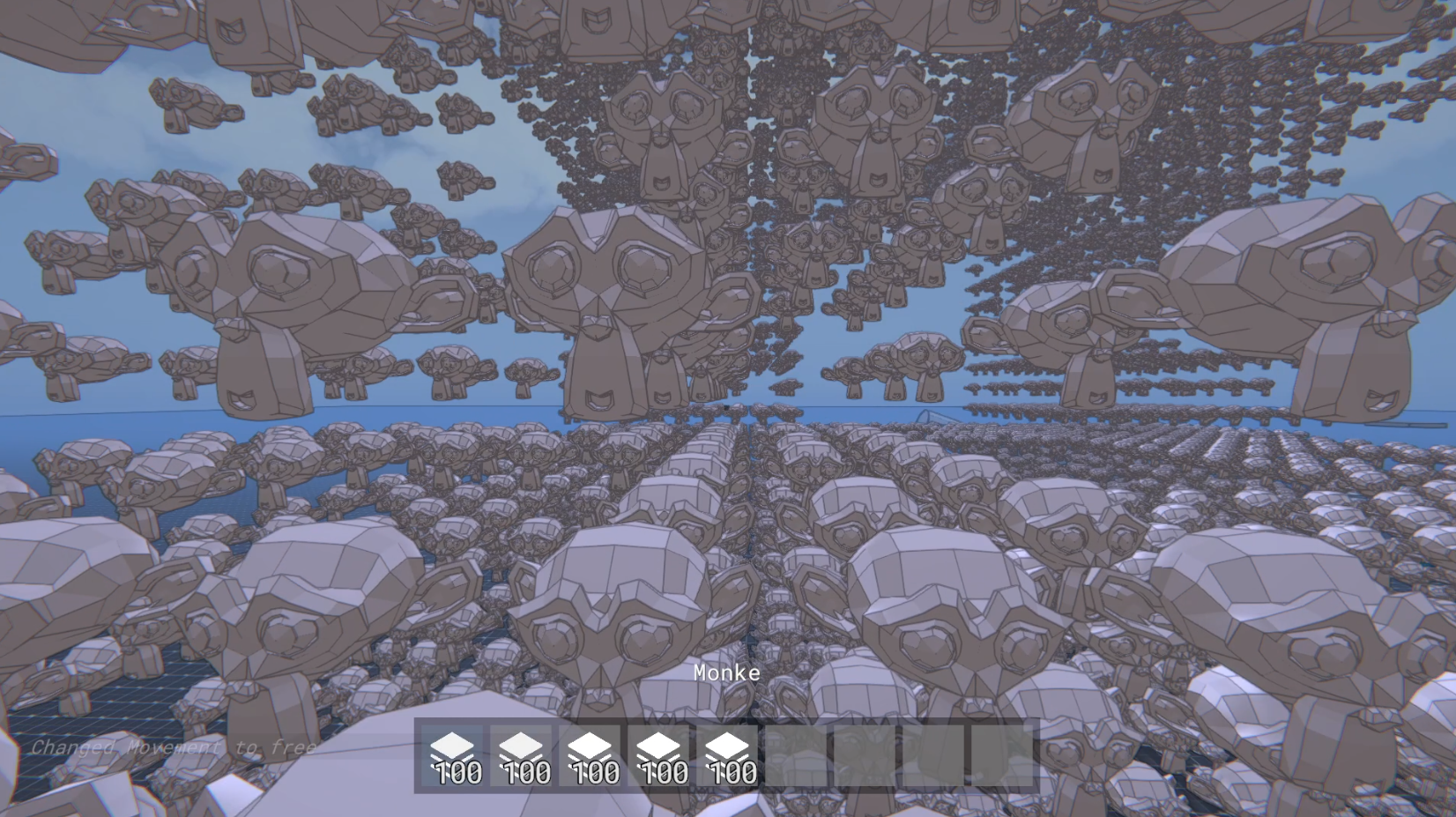
https://www.youtube.com/watch?v=ckph0_erF5I
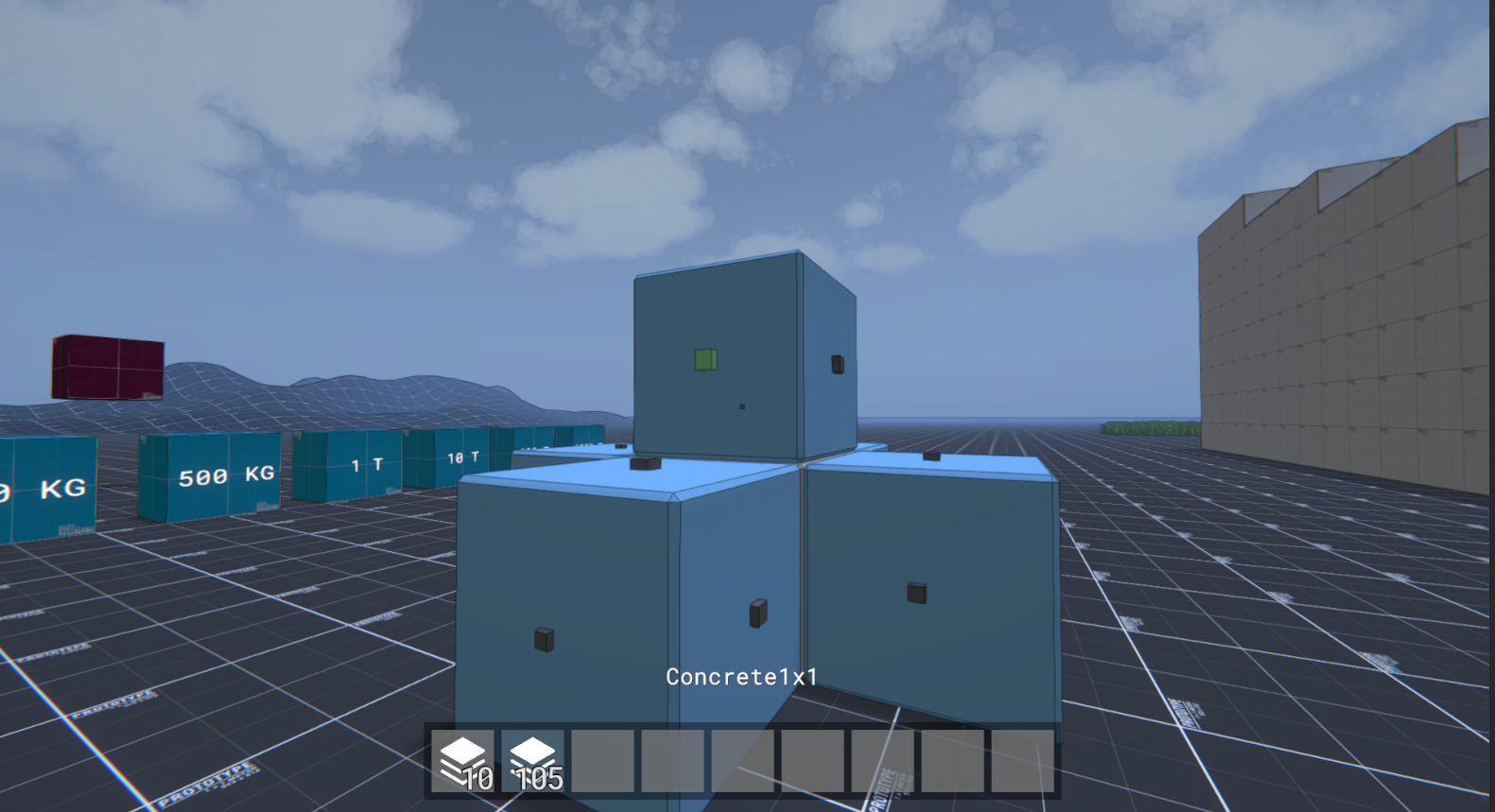
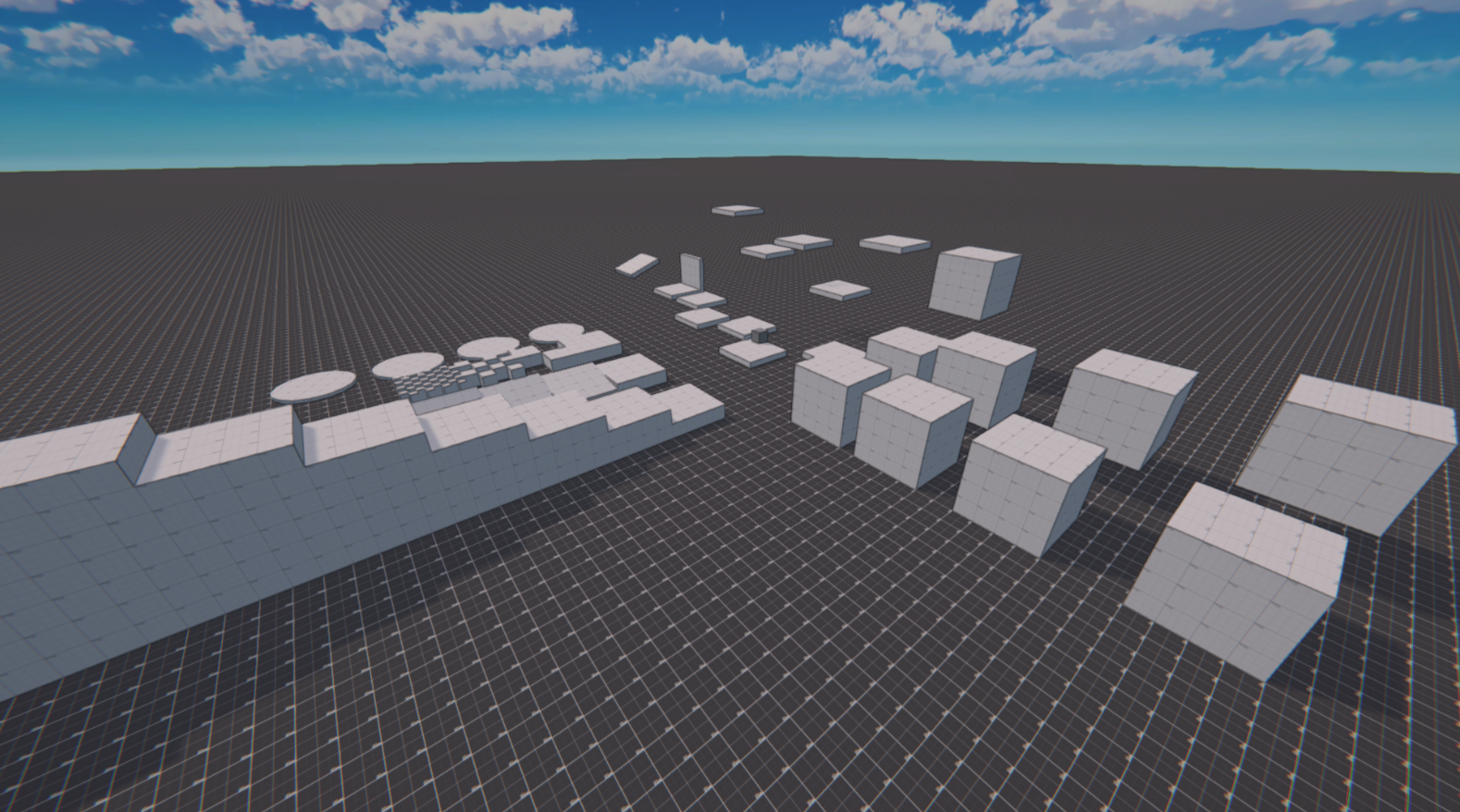
A lot of this week was spent refactoring code and optimizing performance, but I also added basic Tile Rotation and Size. For this I added a custom TileRotation struct, that represents the rotation as two axis:
using Shared.Utils;
using Unity.Mathematics;
using UnityEngine;

namespace Shared.Data.Groups
{
    public readonly struct TileRotation
    {
        public readonly NormalAxis Forward;
        public readonly NormalAxis Up;

        public NormalAxis Right => Cross(Up, Forward);

        public quaternion ToQuaternion() =>
            quaternion.LookRotation(Forward.ToFloat3(), Up.ToFloat3());

        public static readonly TileRotation Identity =
            new (NormalAxis.PositiveZ, NormalAxis.PositiveY);

        public TileRotation(NormalAxis forward)
        {
            Forward = forward;
            Up = MathUtils.GetDefaultSecondaryAxis(forward);
        }

        public TileRotation(NormalAxis forward, NormalAxis up)
        {
            UnityEngine.Debug.Assert(Vector3.Dot(forward.ToVector3(), up.ToVector3()) < Mathf.Epsilon,
                "Forward and up must be perpendicular.");

            Forward = forward;
            Up = up;
        }

        private NormalAxis Cross(NormalAxis axisA, NormalAxis axisB)
        {
            var a = axisA.ToInt3();
            var b = axisB.ToInt3();

            var res = new int3(a.y * b.z - a.z * b.y,
                a.z * b.x - a.x * b.z,
                a.x * b.y - a.y * b.x);

            return res.ToAxis();
        }

        public int3 Rotate(int3 v)
        {
            var upVec = Up.ToInt3();
            var forwardVec = Forward.ToInt3();
            var rightVec = (int3)math.cross(upVec, forwardVec);
            return rightVec * v.x + upVec * v.y + forwardVec * v.z;
        }

        public float3 Rotate(float3 v)
        {
            var upVec = Up.ToFloat3();
            var forwardVec = Forward.ToFloat3();
            var rightVec = math.cross(upVec, forwardVec);
            return rightVec * v.x + upVec * v.y + forwardVec * v.z;
        }
    }
}
Tiles will be restricted to these 24 possible rotations (6 forward direction * 4 up directions). The tile size is just saved as a simple int3. Making the mesh generation use Rotation and Size was easier than expected:
        public float3 GetCenter()
        {
            //From Grid (Lower left) to Lower left cell center
            var gridStartLocal = GridUtils.GridToLocal(GridStart);
            //Remaining extends to center (remove 1, because we already moved 0.5)
            var halfExtends = (float3)(GridSize - new int3(1, 1, 1)) * 0.5f;
            return gridStartLocal + TileRotation.Rotate(halfExtends);
        }


        public float3 TransformVertex(float3 vertex)
        {
            var rotation = TileRotation.ToQuaternion();
            vertex = math.mul(rotation, vertex);
            vertex += GetCenter();
            return vertex;
        }
The size information gets read from the tile json:
{
  "TileId":"763f57a1-6101-4e4d-95c6-350a901fe3b5",
  "Name":"Box 2x2x2",
  "Category":"testing",
  "MeshReference":"Assets/Models/Tiles/Tiles1.fbx[Box_2x2x2]",
  "Material":"Concrete",
  "GridSize":
  {
    "x": 2,
    "y": 2,
    "z": 2
  }
}
Inertia Tensor
I already implemented Center of Mass and Total Mass calculations, but forgot about the inertia tesnor. I implemented a job that calculates it, which turned out to be a lot harder than I thought. Right now it only does it for unit size Boxes, I still need to add size and shape support.
using Shared.Data.Groups;
using Shared.Data.Tiles;
using Tiles.Data;
using Unity.Burst;
using Unity.Collections;
using Unity.Jobs;
using Unity.Mathematics;

namespace Groups.PhysicsGeneration
{
    /// <summary>
    ///  Calculates COM, Mass and Inertia Tensor
    /// </summary>
    [BurstCompile]
    public struct PhysicsDataJob : IJob
    {
        public GroupData GroupData;
        public NativeList<TileData> Tiles;

        public NativeReference<PhysicsData> Output;

        public void Execute()
        {
            float mass = 0f;
            float3 centerOfMass = float3.zero;

            float3 inertiaDiagonal = float3.zero;

            //1. Calculate COM, Total Mass
            for (var i = 0; i < GroupData.TileList.Length; i++)
            {
                var groupTileData = GroupData.TileList[i];

                var tileCenter = groupTileData.GetCenter();
                var tile = Tiles[groupTileData.TileIndex];
                mass += tile.Mass;
                centerOfMass += tileCenter * tile.Mass;

                //No rotation
                //No size support for now
                var size = new float3(1f);

                var inertiaX = tile.Mass * (Sqr(size.y) + Sqr(size.z)) / 12f;
                var inertiaY = tile.Mass * (Sqr(size.x) + Sqr(size.z)) / 12f;
                var inertiaZ = tile.Mass * (Sqr(size.x) + Sqr(size.y)) / 12f;

                inertiaDiagonal += new float3(inertiaX, inertiaY, inertiaZ);
            }

            centerOfMass /= mass;

            float inertiaXY = 0f;
            float inertiaXZ = 0f;
            float inertiaYZ = 0f;

            //2. Add more stuff to the inertia tensor
            for (var i = 0; i < GroupData.TileList.Length; i++)
            {
                var groupTileData = GroupData.TileList[i];

                var tile = Tiles[groupTileData.TileIndex];
                var tileCenter = groupTileData.GetCenter();
                var r = tileCenter - centerOfMass;

                var inertiaX = tile.Mass * (Sqr(r.y) + Sqr(r.z));
                var inertiaY = tile.Mass * (Sqr(r.x) + Sqr(r.z));
                var inertiaZ = tile.Mass * (Sqr(r.x) + Sqr(r.y));

                inertiaDiagonal += new float3(inertiaX, inertiaY, inertiaZ);

                inertiaXY += tile.Mass * r.x * r.y;
                inertiaXZ += tile.Mass * r.x * r.z;
                inertiaYZ += tile.Mass * r.y * r.z;
            }

            inertiaXY *= -1;
            inertiaXZ *= -1;
            inertiaYZ *= -1;

            float3x3 inertiaTensor = new float3x3(
                inertiaDiagonal.x, inertiaXY, inertiaXZ,
                inertiaXY, inertiaDiagonal.y, inertiaYZ,
                inertiaXZ, inertiaYZ, inertiaDiagonal.z);

            EigenSolver.DiagonalizeSymmetricApproximation(inertiaTensor, out var eigenVectors, out var eigenValues);

            var det = math.determinant(eigenVectors);
            if (det < 0f)
                eigenVectors.c0 = -eigenVectors.c0;

            var inertiaRotation = new quaternion(eigenVectors);

            Output.Value = new PhysicsData()
            {
                CenterOfMass = centerOfMass,
                TotalMass = mass,
                InertiaTensor = eigenValues,
                InertiaTensorRotation = inertiaRotation
            };
        }

        private static float Sqr(float x) => x * x;
    }
}
Luckily I did not have to write the EigenSolver myself, but could use the one that Unity.Physics implements: https://github.com/needle-mirror/com.unity.physics/blob/master/Unity.Physics/Base/Math/Math.cs#L185